The home office journal / Practical decisions
A mouse fit checklist for a shared home office
Separate handedness, hand-size guidance, grip and connection before replacing a mouse.
By Office Home Supply editorial · Updated 2026-10-10 · 3 minute read
Record the person before the feature list
Write down which hand the person uses, whether the mouse will stay at one desk and what computer will connect to it. In a shared home office, two people may need different grip and size choices even when they use the same screen and keyboard. A single expensive mouse is not automatically the best shared arrangement. Keep personal fit separate from the requirement for a common connection or a tidy desk.
Use manufacturer fit guidance as a starting point
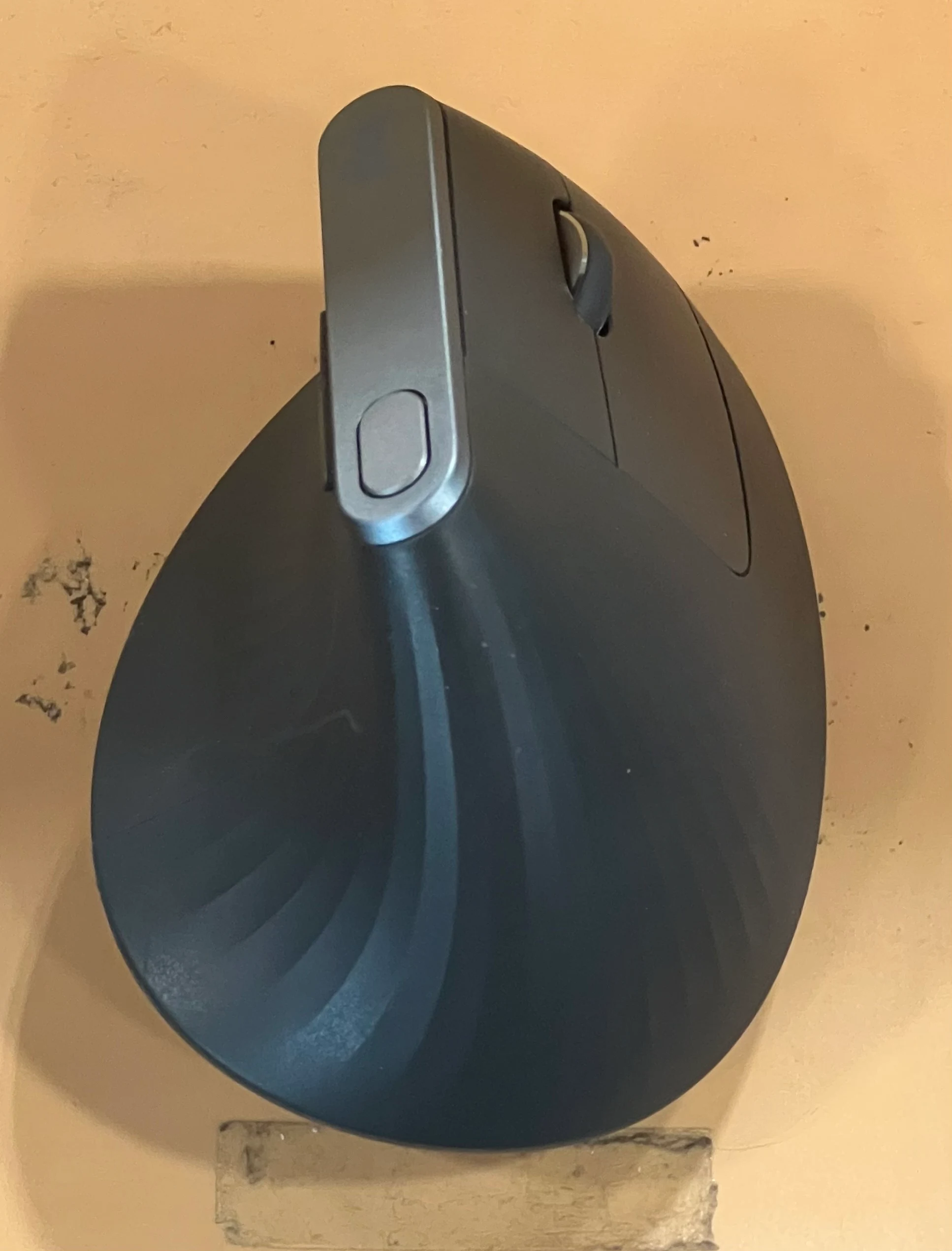
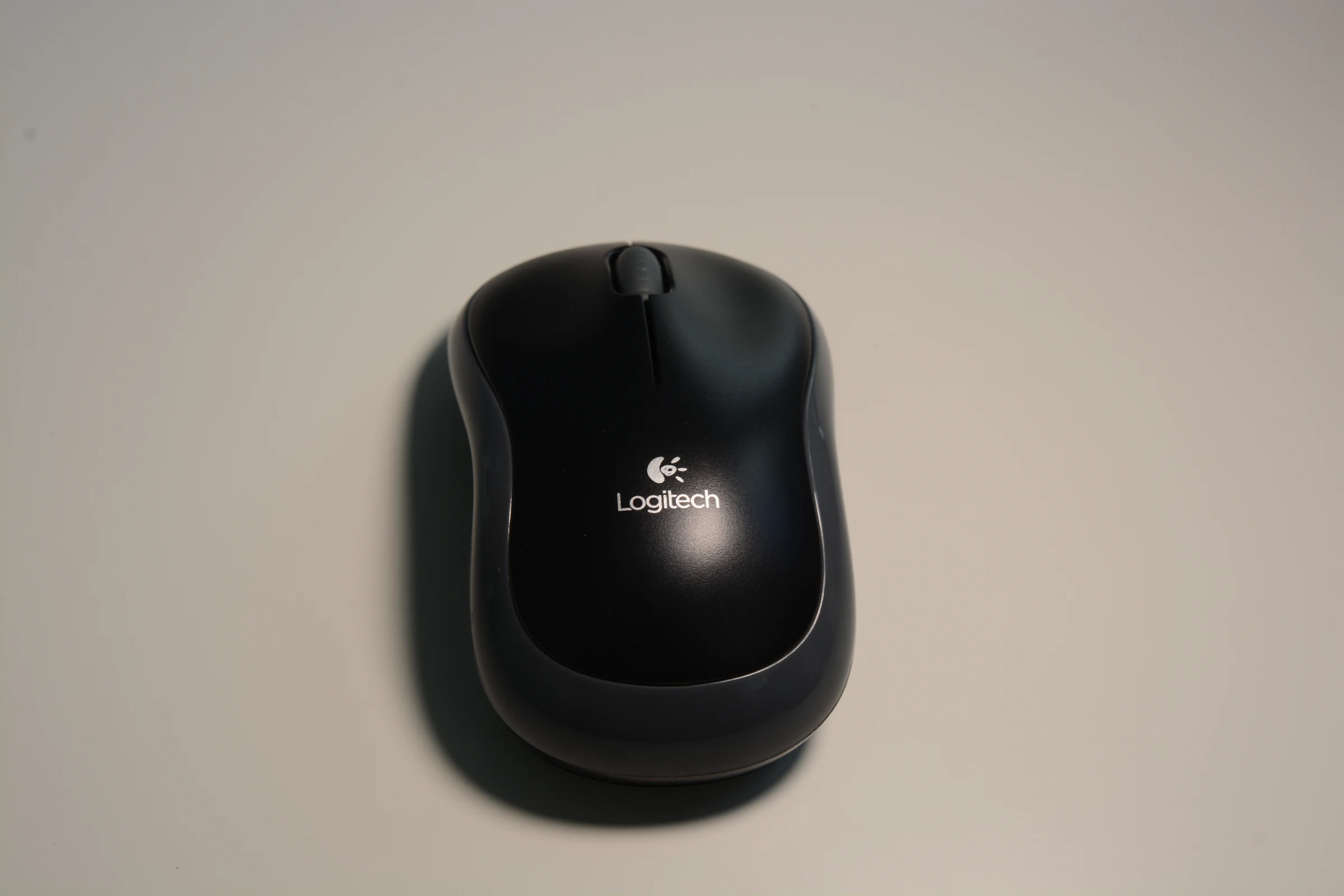
Logitech positions Lift for small to medium hands and MX Vertical for medium to large hands. The Lift family has right- and left-hand options; the selected orientation should be explicit. M185 is recorded as a compact either-hand shape. Signature M650 has regular, large and large left-handed variants. These facts help define which models to investigate, without proving that a size label guarantees fit. Do not attach one ASIN to every size or handedness in a family.
Test the reach of the complete input area
Set the keyboard in your normal typing position and clear the area beside it. Place the mouse within easy working reach. A number pad adds width to a full-size keyboard, which can affect how far to the side a pointer sits. Try the arrangement with existing equipment before buying something new. Observe whether you are moving objects to make room, reaching around a wrist rest or changing your chair position just to use the mouse.
Map the connection and any customization
Record whether the selected mouse uses a receiver, Bluetooth or another supported connection. Check the exact operating-system requirements and receiver family at the manufacturer. Optional customization software is a separate decision: confirm support for a feature you need rather than installing it only because it is available. Keep the receiver with its identified device when equipment moves between people or rooms. A spare receiver from another family is not a verified substitute.
Keep the trial useful
Change one variable at a time: position, pointer setting or physical mouse. Make a short note about the actual task that improved or remained awkward. If a form feels wrong, a medical-sounding product label should not overrule that experience. This checklist supports shopping and arrangement decisions and makes no diagnosis or promise of pain prevention. Check merchant return conditions before any personal trial and verify the exact product variant before following a purchase link.
Sources & further reading
- Logitech Lift — official comparison facts
- Logitech MX Vertical — official manufacturer information
- Logitech M185 Wireless Mouse — Grey — official product information
- Logitech Signature M650 Wireless Mouse — official product information
Original planning analysis based on the cited specifications. We do not claim hands-on testing. Confirm manufacturer compatibility and follow the supplied instructions.