The home office journal / Practical decisions
Choose input devices as a working pair.
Match keyboard layout, mouse fit, connection method, and placement before choosing premium features.
By Office Home Supply editorial · Updated 2026-10-10 · 3 minute read
A keyboard and mouse share the same working area, so plan them together. Start with the jobs you do most: long text, frequent numbers, shortcuts, or basic browsing. Our planning suggestion is to write down the keys and pointer actions you rely on for one normal work session. That gives a compact layout, a number pad, and extra controls a clear purpose rather than making feature count the shopping goal.
OSHA recommends placing the keyboard directly ahead, keeping the elbows near the body, and maintaining a straight wrist position. The input area needs room for both the keyboard and pointer. Alternative layouts can take time to learn, and the guidance does not establish that an ergonomic keyboard prevents injury. Choose fit and placement deliberately rather than relying on a label.
Compare connection requirements next. A wired USB keyboard needs a suitable port and a cable path. A receiver-based mouse uses a USB port; a Bluetooth device needs supported Bluetooth operation. Check the exact model's operating-system requirements and whether optional customization software supports your computer. A keyboard's language layout and a mouse's handedness are separate choices that should be explicit at checkout.
Try the intended arrangement with your current equipment first. Remove unnecessary objects from beside the keyboard and see whether the mouse can sit where you want it. For a replacement, compare complete dimensions and hand-size guidance, then decide whether a compact or larger form suits the person using it. This is a planning guide, not an independent typing-speed, tracking, or comfort test.
Decide what belongs on the daily desk
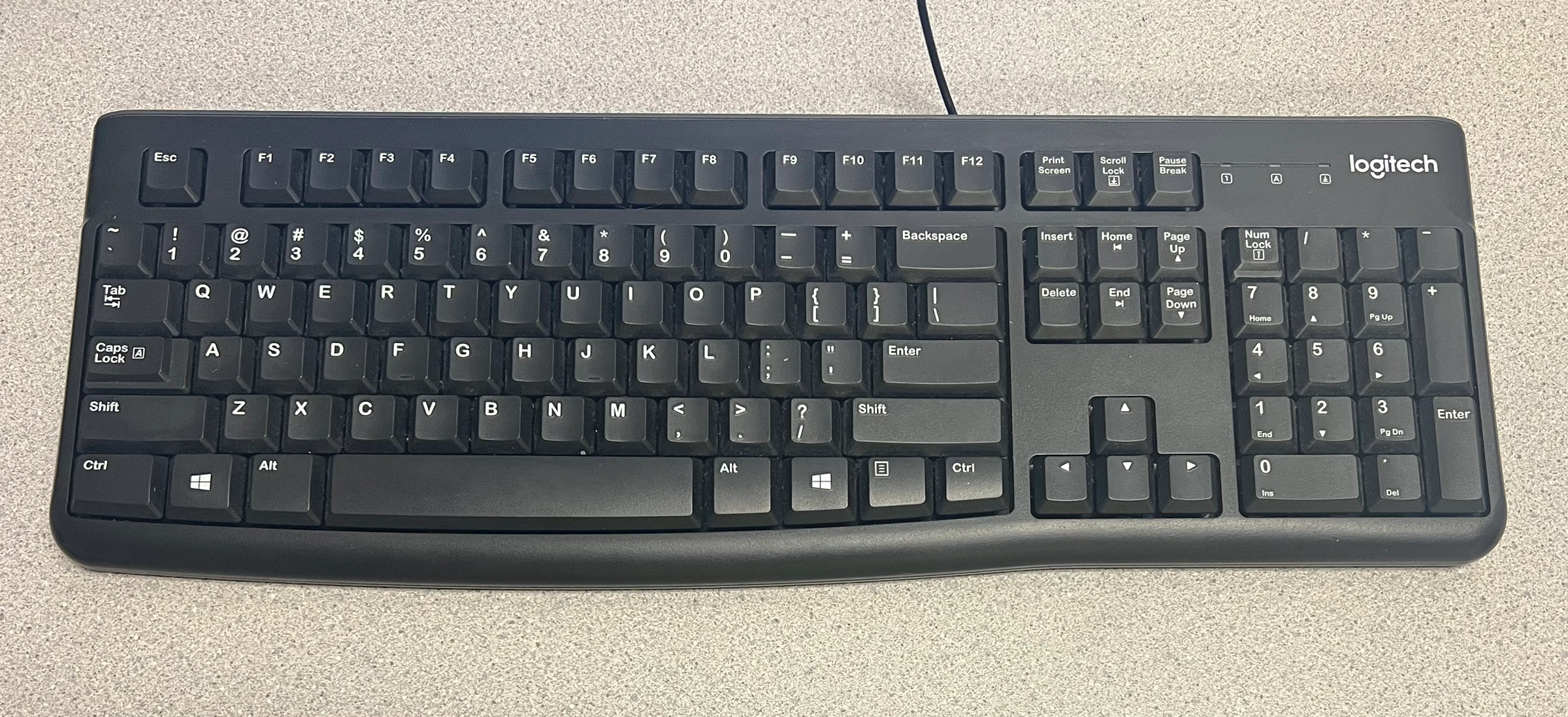
A number pad is useful when you enter figures frequently, but it also contributes to the width of a full-size keyboard. The K120 record identifies a wired full-size layout with a number pad; MX Keys Mini identifies a compact illuminated wireless layout. These formats serve different priorities. Write down the shortcuts and number-entry tasks that matter to you before choosing a smaller keyboard. Language layout is another decision: the same family can have a different Enter key shape or printed legends in another market.
Compare mouse fit without borrowing another user's verdict
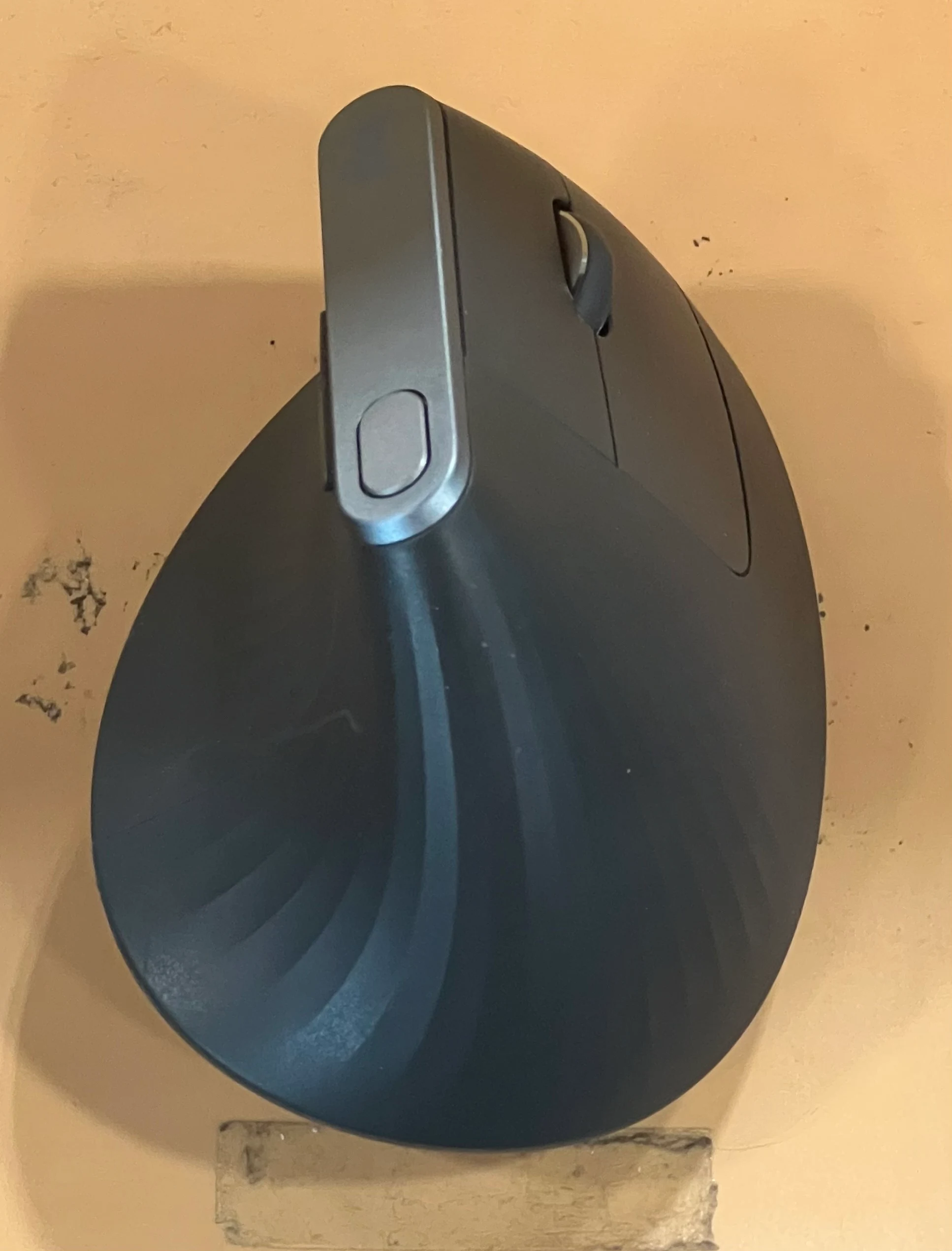
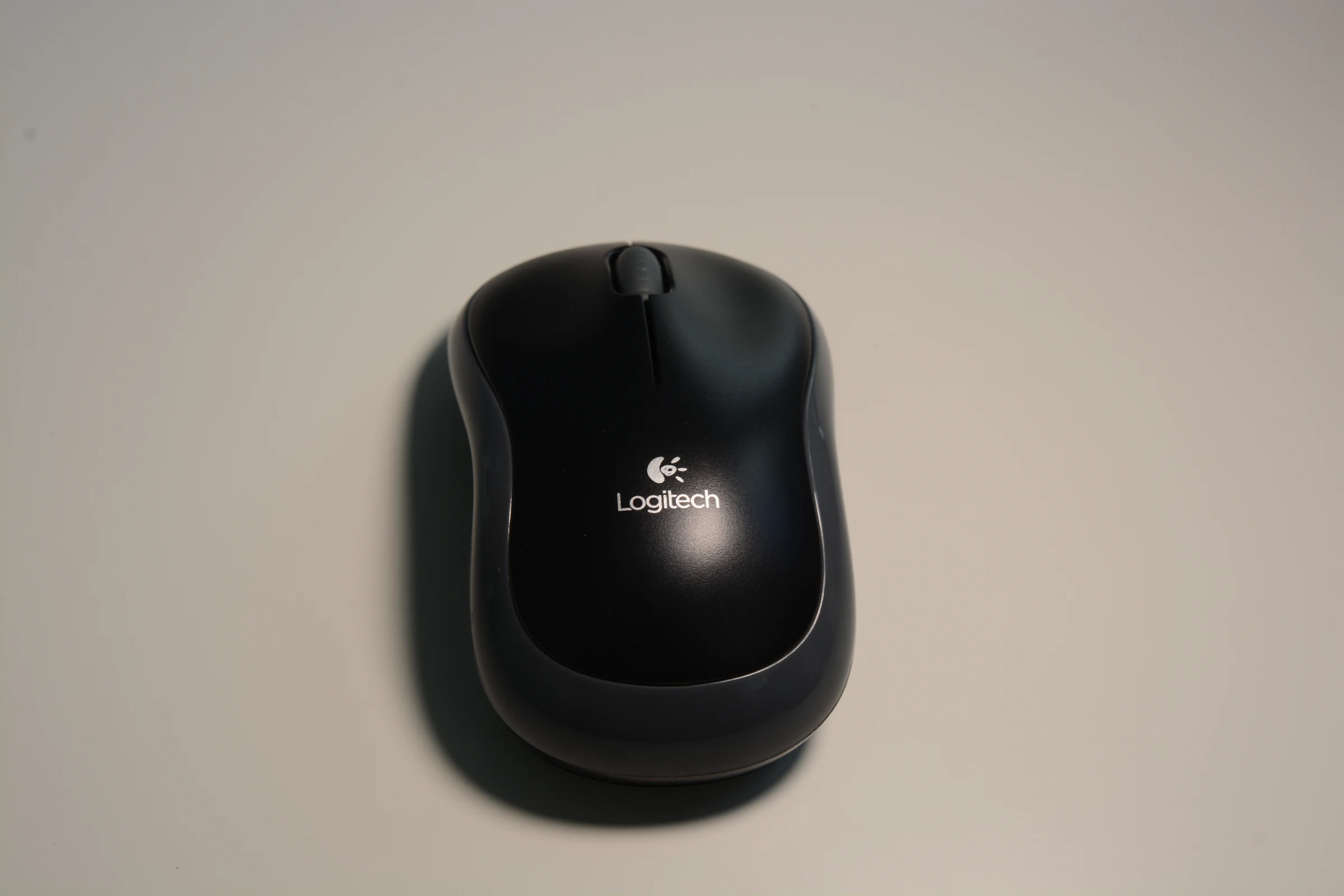
Logitech describes Lift for small to medium hands and MX Vertical for medium to large hands. These recommendations make a useful starting comparison, but they do not determine an individual's fit. M185 uses a compact, either-hand shape with a USB receiver. A receiver is a different connection choice from Bluetooth and occupies a compatible port. Check whether the intended computer, hub or adapter leaves that port available. Do not assume every Logitech receiver can be exchanged between families.
Try the arrangement before adding software
Clear the area beside the keyboard, move the mouse into reach, and test the basic connection first. Install optional customization software only if a feature you need requires it and the software supports your operating system. Keep model codes and receiver types in a simple equipment note. This makes a future replacement easier to match and reduces the chance of buying an accessory for a different connection family.
Sources & further reading
- OSHA keyboard arrangement — official product information
- Logitech M650 fit and connection options — official product information
Original planning analysis based on the cited specifications. We do not claim hands-on testing. Confirm manufacturer compatibility and follow the supplied instructions.