The home office journal / Practical decisions
Make a shared-workspace purchase handoff that another person can verify
Record the exact product, connected equipment, permitted photograph and retailer variant together so a shared workspace order survives a change of buyer.
By Office Home Supply editorial · Updated 2026-10-11 · 3 minute read
Start with the person who will use the workspace
A shared equipment order often passes through several people: the person using the desk, the person selecting a model and the person placing the order. Create one purchase record that each can understand. Give it a room or workstation name, a responsible contact and a date. Describe the task in ordinary language: video calls from a desktop computer, a portable file handoff or an additional display. Keep that requirement beside the proposed product instead of relying on a shopping link to explain the decision.
Write the identity line before the quantity
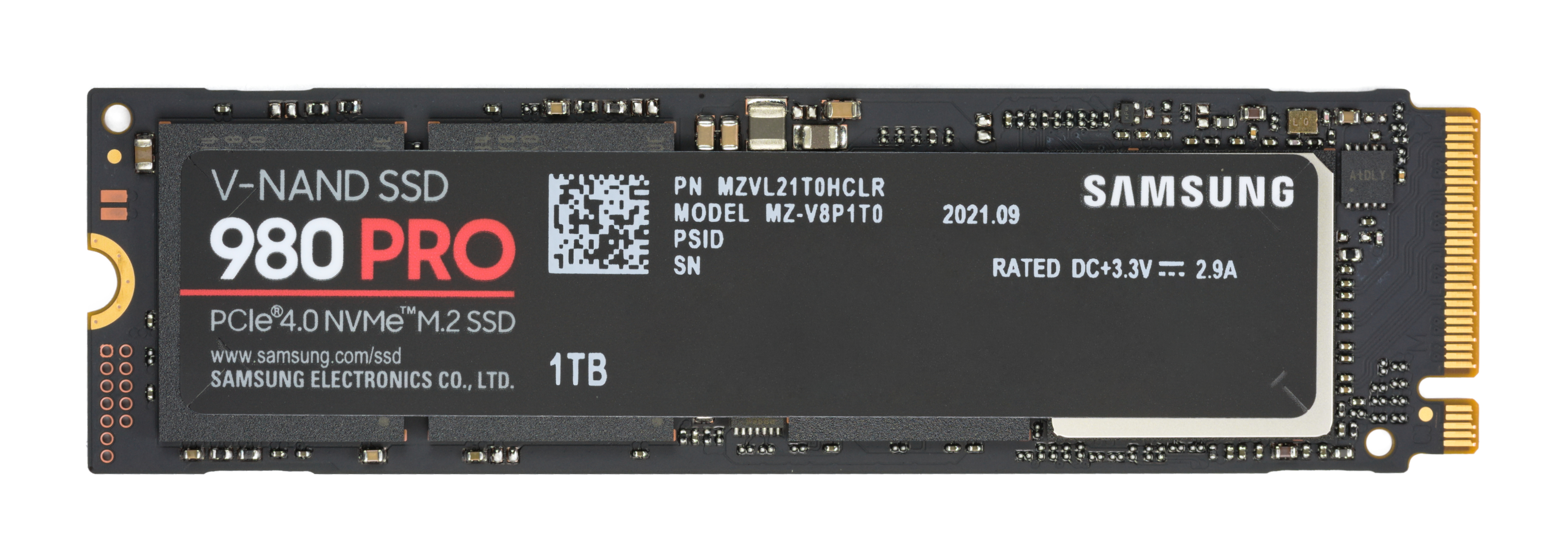
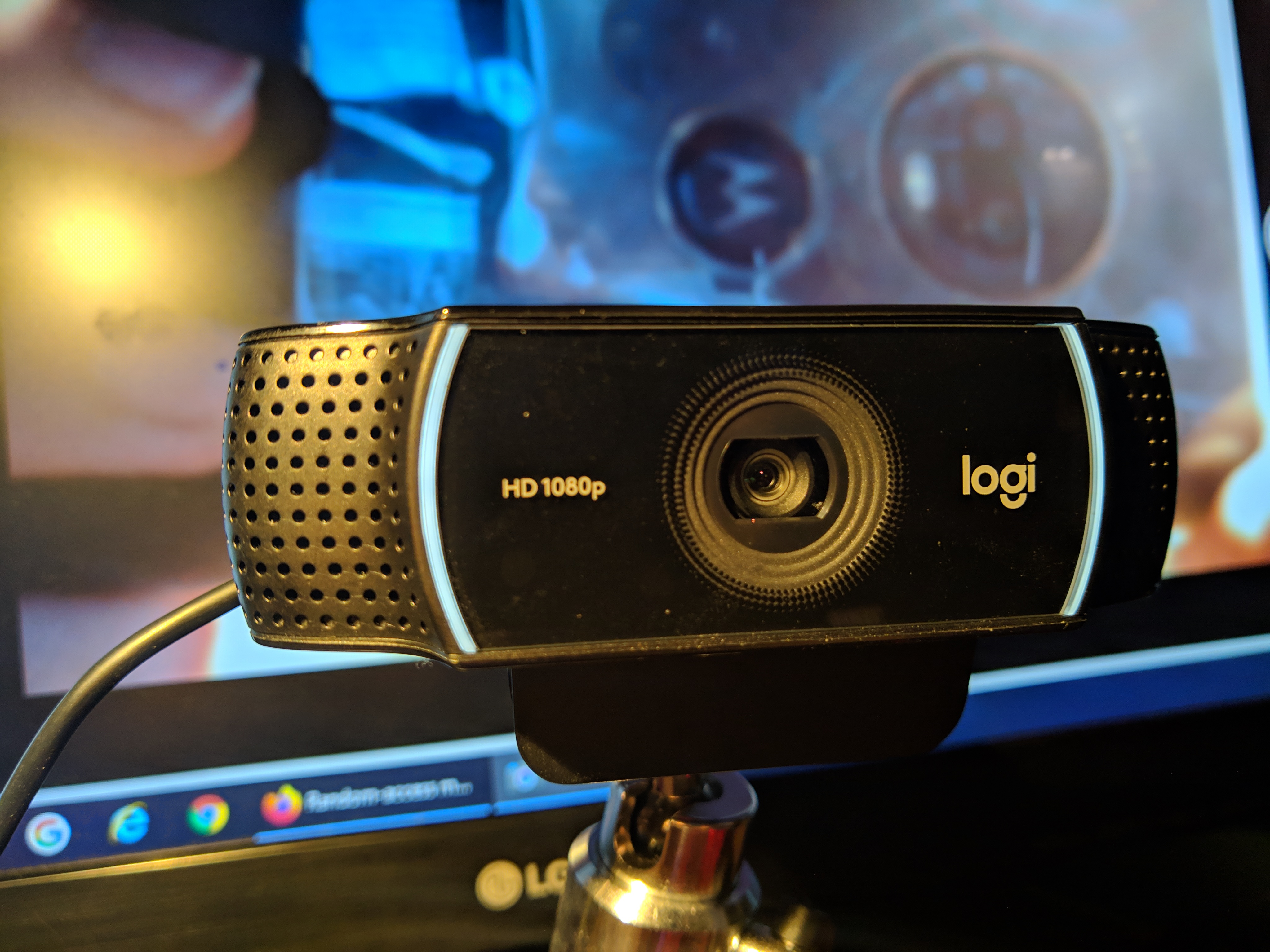
Use separate fields for brand, complete model name, manufacturer part, region and the selected variant. Logitech identifies the C922 Pro Stream with US part 960-001087; a camera with a similar housing or shorter name is not enough to prove that identity. If the choice is an internal drive, Samsung identifies the 980 PRO 1TB US model as MZ-V8P1T0B/AM. Record these as examples of identity fields, rather than treating either example as a recommendation for every workstation. Manufacturer identity references: https://www.logitech.com/en-us/products/webcams/c922-pro-stream-webcam.960-001087.html and https://www.samsung.com/us/memory-storage/nvme-ssd/980-pro-pcie-4-0-nvme-ssd-1tb-sku-mz-v8p1t0b-am/ . Mark unselected details explicitly. A blank field can be mistaken for an agreed configuration. The part is also retained in Logitech’s US/Canada model reference: https://info.logitech.com/rs/201-WGH-889/images/Logitech_B2B_US_MSRP_Price_List.pdf
Separate the product from the arrangement shown
Read the photograph caption and the recorded variant on the product page. A genuine product photograph can show background equipment or separate support that is not part of the verified retail bundle. Write the actual required accessories on their own lines. For a camera, identify the intended mounting location and the computer connection to be checked. For storage, record whether the job needs an internal device or a portable external device. The image helps recognize the researched model; it does not replace the manufacturer's compatibility and package documentation.
Assign each compatibility question
Add columns headed question, evidence and responsible person. The person who can inspect the computer should confirm its documented connection or service requirements. The workspace user should check the intended placement. The buyer should confirm the chosen retailer variant and package before ordering. When the required evidence is unavailable, keep the item open and explain what would resolve it. Do not turn a plausible connector, familiar brand or photograph into a compatibility confirmation.
Keep the retailer decision visible
Open the purchase destination as part of the real order, then compare its full model and selected variant with the identity line. Office Home Supply uses clearly labelled affiliate purchase actions; the retailer determines current price, stock and transaction terms. Record the retailer and the time of the buyer's own check. A saved link does not hold a price or establish continuing stock. Do not place account passwords, payment details or private order credentials in a shared planning record.
Close the handoff with an acceptance task
State what the recipient will check when the equipment arrives: the exact label, required components and the documented setup needed for the intended task. Assign the person responsible for resolving a mismatch and retaining the purchase record. Use the workspace planner to collect related items, then keep the compatibility evidence beside that list. This handoff is a practical coordination tool. Office Home Supply has not tested the recipient's equipment or guaranteed that an order will satisfy an unverified requirement.
Sources & further reading
- Logitech C922 US model reference
- Samsung 980 PRO US 1TB model reference
- Logitech US/Canada model and part reference (June 2024; price not reused)
Original planning analysis based on the cited specifications. We do not claim hands-on testing. Confirm manufacturer compatibility and follow the supplied instructions.