The home office journal / Practical decisions
Set up a chair for the next user: a practical reset record
Make shared-chair adjustments easy to restore, including seat depth, armrest interference, foot support and the desk relationship.
By Office Home Supply editorial · Updated 2026-10-11 · 3 minute read
Make the settings understandable
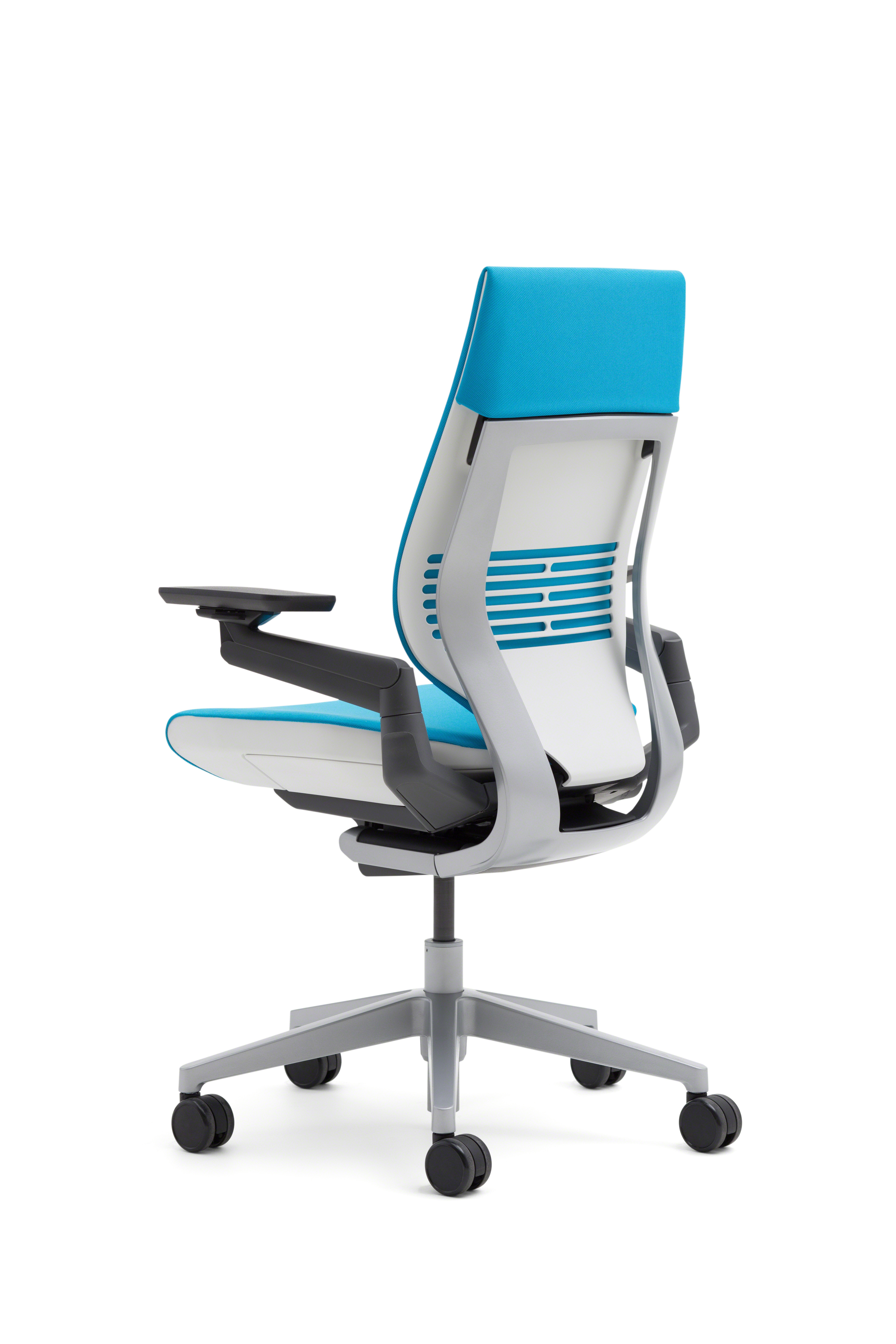
A shared chair creates a repeatability problem: the next person may inherit settings that worked for someone else. OSHA notes that adjustability is particularly relevant when a chair has multiple users. Instead of asking every user to start from an anonymous lever position, create a small reset record for the actual chair. Begin with the manufacturer's manual so that you know what each control changes and how it should be operated.
Write a record for each person
Use columns for seat height, seat depth where adjustable, backrest or recline setting, armrest height and position, foot support and desk height. Record the controls the chair actually has. A chair without seat-depth adjustment should be marked fixed; do not invent a setting or imply that every ergonomic chair includes the same features. Use the user's own reference photo where useful, keeping private photographs outside a public product review.
Follow the setup in a consistent order
Restore the seat position and foot-support arrangement, then check access to the backrest. Restore armrest positions and confirm that the chair can approach the desk without interference. Finish with the keyboard, mouse and screen. This ordering helps identify where the problem comes from. A person raising the seat to reach a tall keyboard may also need to reconsider foot support; merely copying the seat setting from another user can hide that relationship.
Name the task-specific change
Someone may prefer a different recline setting for reading than for active typing. Label those as personal task settings instead of replacing the primary record each time. Include the manufacturer's control terminology, so another person can distinguish a tilt lock from a tension adjustment. Keep all structural components assembled and do not use improvised changes to a chair mechanism. Settings should be changes the product is designed to support.
Check the room around the chair
A different armrest position may change whether the chair fits under the desk. Storage near one person's leg position may obstruct another. Check that the chair's movement area remains clear and that regularly used supplies are reachable without repeated awkward turning. The reset record describes a whole workstation relationship, even though the chair is the item being shared. Revisit it when a desk, monitor position or drawer unit changes.
Decide whether sharing is workable
After both people try restoring their setup, note the changes that take longest or remain impossible. A fixed seat depth or limited range can be a genuine fit limitation. Use the chair category and Workspace Builder to compare documented adjustment features, keeping your observations attached to the exact configuration. The goal is a repeatable usable arrangement, not a promise that one chair suits every user. Persistent symptoms require individual advice beyond this purchasing worksheet.
Sources & further reading
Original planning analysis based on the cited specifications. We do not claim hands-on testing. Confirm manufacturer compatibility and follow the supplied instructions.