The home office journal / Practical decisions
Try an office chair with a task worksheet, not a first impression
Use the same short tasks and adjustment notes to compare chair fit, with exact configurations and unresolved questions kept visible.
By Office Home Supply editorial · Updated 2026-10-11 · 3 minute read
Give every chair the same task
A chair that feels appealing for a minute in a showroom may be difficult to use at your actual desk. OSHA recommends trying different chairs before purchase and adjusting the chair together with the monitor, keyboard and desk. A useful trial therefore needs a repeatable task, not a score for softness alone. Bring the dimensions of your desk and the type of work you do. Confirm that the trial configuration matches the model and options offered for purchase.
Create an adjustment record
Record the seat-height range you tried, whether seat depth can be changed, the backrest controls and the armrest positions. Note which controls you can operate while seated and which require standing. These are observations about the particular chair you tried. Do not apply them automatically to a similarly named chair with different armrests, upholstery or a different generation. If the store unit has a headrest but the offer does not, keep that difference in the record.
Test the main work positions
Try typing, using a pointer and reading a paper document at a representative surface. Observe whether you can keep the input devices within comfortable reach while using the backrest. Note whether chair arms conflict with the desk edge or prevent moving close enough. Then try the normal movement involved in reaching a nearby drawer or standing up. Do not use unsafe leaning, climbing or deliberately destabilizing a chair as a test.
Separate a fit issue from an adjustment issue
If a position feels awkward, record the setting before changing one control. Repeat the same task and describe the change. A seat-depth adjustment that improves access to the backrest is a different finding from a desk-height mismatch. If neither setting produces a useful arrangement, mark the question unresolved instead of assuming a more expensive version fixes it. Keep a straightforward account of what you actually observed without converting a brief trial into a long-term ergonomic claim.
Check the offered configuration
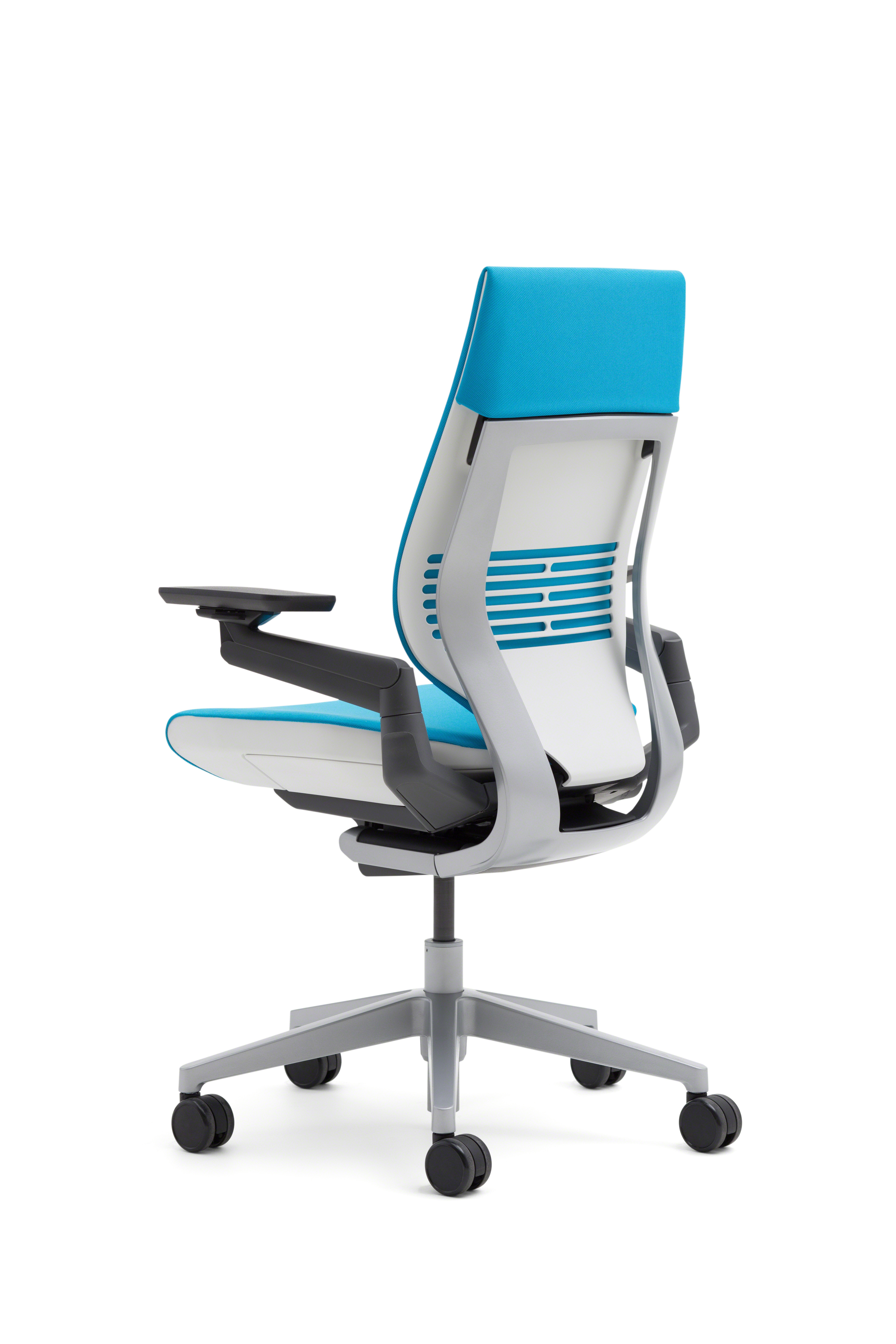
The selected Gesture page, for example, identifies a wrapped-back Blue Jay configuration. A family photograph or a different upholstery sample does not establish the same option set. Confirm the manufacturer's exact selected options, caster type, dimensions and current retailer return conditions. A trial unit may have worn components or settings that differ from a new item. Record these limitations when comparing your experience with the purchase offer.
Keep the result specific
Write a short conclusion for each task: usable in the tried setting, usable after a named adjustment, or unresolved. Compare these notes beside the product facts, rather than awarding a universal comfort winner. Bring persistent discomfort or a specific health need to an appropriate professional. This worksheet organizes a purchasing trial; Office Home Supply has not tested the chair for your body or guaranteed a medical outcome.
Sources & further reading
- OSHA chair components and trial guidance
- Steelcase Gesture manufacturer features and finish options
- Independent merchant exact configuration and ASIN identity
Original planning analysis based on the cited specifications. We do not claim hands-on testing. Confirm manufacturer compatibility and follow the supplied instructions.