The home office journal / Practical decisions
Label USB cables by their verified job, not their appearance
Create a small cable record that keeps charging power, data capability and the actual tested device path separate.
By Office Home Supply editorial · Updated 2026-10-11 · 3 minute read
Start with one unidentified cable
Many cable drawers contain several items with the same connector shape. Their appearance does not establish interchangeable power, data or display capability. USB-IF's combined cable-logo guidance uses separate power and data information. A useful home-office record should do the same. Choose one cable and identify its manufacturer, model and any legible rating before deciding which job it can serve.
Record documentary evidence first
Retain the package or manufacturer's exact specification page where available. Write connector ends, length, documented power rating and documented data capability in separate fields. Add the source and date checked. If a field is not established, mark it unknown. A logo from an unrelated cable photograph or a generic marketplace title cannot fill the missing evidence for the cable in your hand.
Record the device path separately
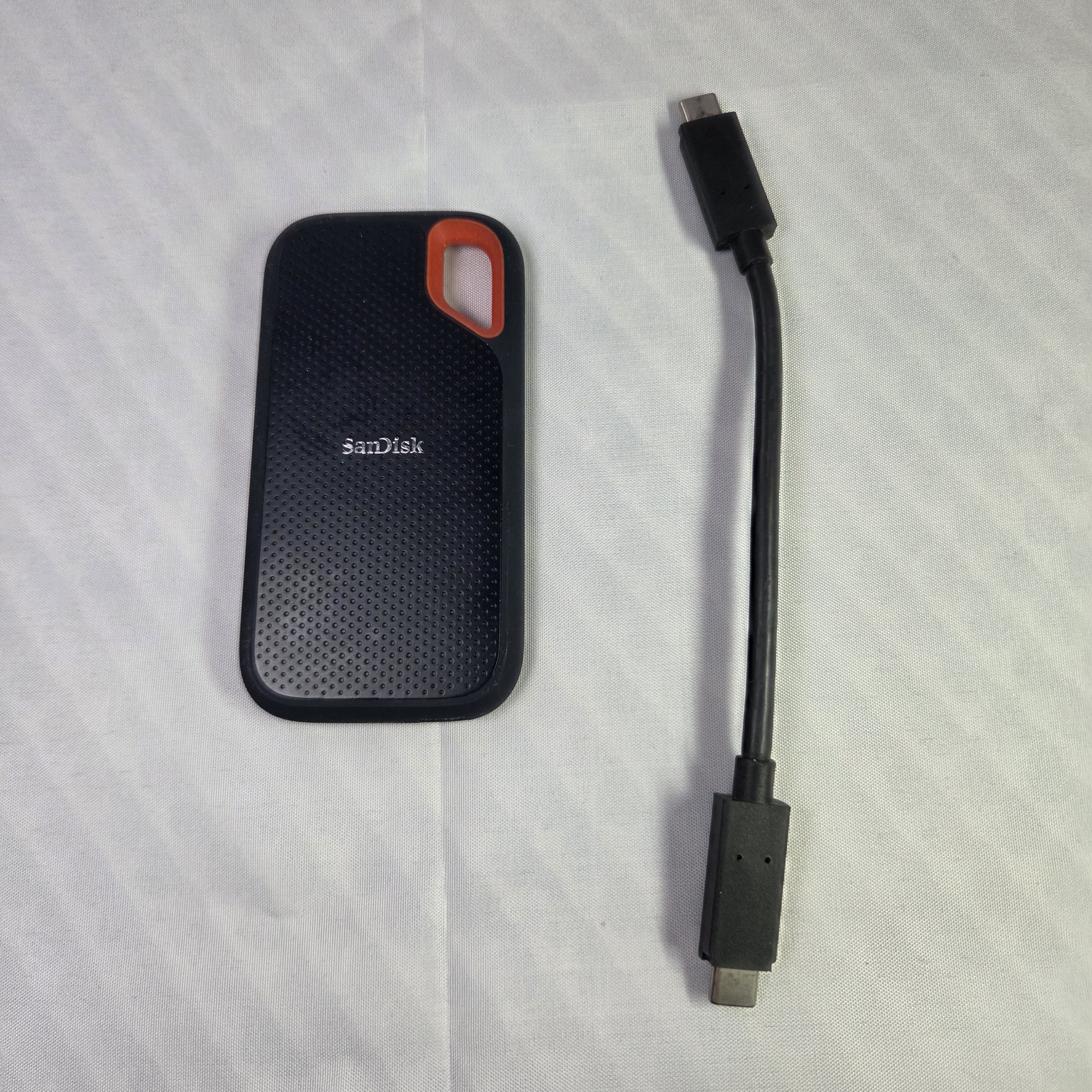
Use a row for the computer port, any dock, cable and connected device. Keep the intended job explicit: charging a laptop, transferring files to an SSD or connecting a display. A practical successful connection verifies that task in that arrangement, not every possible capability of the cable. A laptop charging during a test does not measure the maximum supported wattage, and a file copy does not certify a rated transfer speed.
Avoid confusing storage and display paths
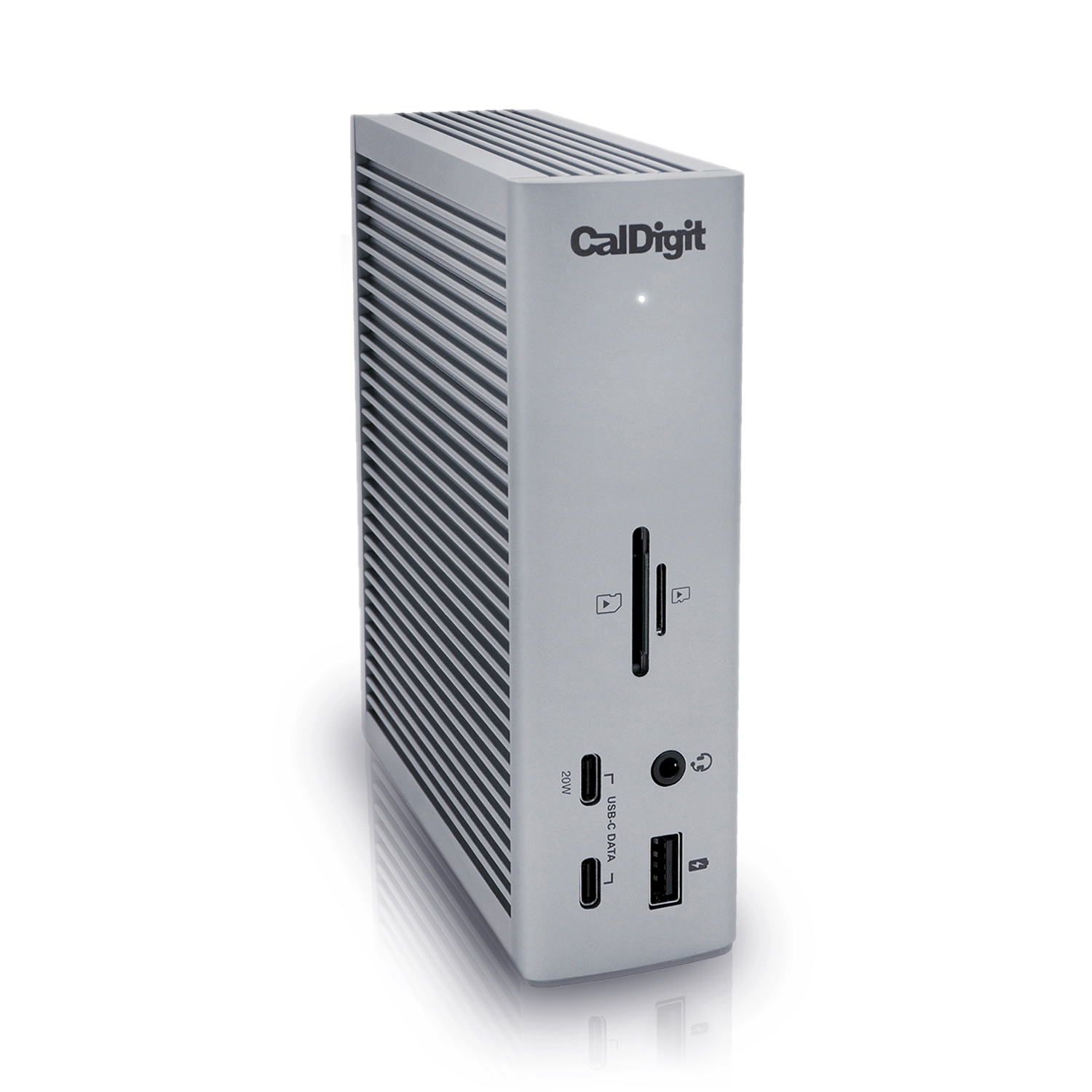
A USB-C SSD and a USB-C monitor have different requirements even when their connectors look alike. For a dock, use the specified host connection and cable requirements from its manual. CalDigit's TS4 guidance, for example, distinguishes host platforms and supported display arrangements. Label the cable assigned to that complete path instead of moving it between devices and assuming all functions remain available.
Make labels useful at the desk
Use a simple cable identifier that links to the record rather than a long speculative capability claim. Put removable labels where they do not interfere with connectors, strain relief or the manufacturer's use instructions. Include the intended destination when several cables enter a dock or monitor. Keep structural mounting, ventilation openings and moving desk mechanisms clear rather than adding a tight bundle for appearance alone.
Retest only the changed relationship
If the monitor, dock or laptop changes, revisit the affected row. Preserve the old observation with its original device names so it cannot be mistaken for current compatibility. Compare any required replacement through the accessories category and include it in Workspace Builder only when its job is established. A cable record reduces repeated guesswork; it remains an evidence and organization tool, not a certification laboratory result or a promise of every manufacturer's peak performance.
Sources & further reading
Original planning analysis based on the cited specifications. We do not claim hands-on testing. Confirm manufacturer compatibility and follow the supplied instructions.