The home office journal / Practical decisions
A portable drive purchase should include a restore check
Plan source files, backup method, capacity and a safe sample restore before treating a new external drive as a complete backup system.
By Office Home Supply editorial · Updated 2026-10-11 · 3 minute read
Separate the drive from the backup method
An external drive is storage hardware. A backup also needs a defined source, a copying or backup method and a way to recover files. Microsoft File History and Apple Time Machine document different software workflows; buying a drive does not automatically configure either. Begin by naming the computer and files you want recoverable, then choose the supported method for that platform.
Write down what is included
List the folders, application data and other items that matter. Identify material stored in a cloud service and determine whether the local computer holds complete files or placeholders. A drive's empty space does not establish that all required data has been copied. Keep work-account policy and software-specific instructions attached to the plan. If a file is excluded or cannot be backed up with the chosen method, mark it before relying on the result.
Plan capacity without a fixed universal multiplier
Record the actual size of the selected source and the room needed for its growth. If the software retains versions, allow for that retention behavior as well. A 1TB or 4TB product label is a nominal capacity; formatting, metadata and software use affect available space. Do not promise a precise number of years of backups from capacity alone. Keep a dated observation of space used and a plan to review it.
Confirm the connection and storage role
Check the computer's supported interface, the drive's interface and the cable together. A faster manufacturer's peak-transfer claim does not prove that your entire backup workload will finish at that speed. Keep portable working storage separate from backup storage. If the only copy of a project is on the external drive, that drive is the source rather than an independent backup of the project.
Test recovery without risking the original
Follow the backup software's instructions to restore a small representative file to an appropriate separate test location where supported. Open the restored file with the relevant application and compare the content. Record the date, backup version and result. Do not overwrite the only original to demonstrate a restore. A completed job indicator is useful evidence, but a successful sample recovery answers a different practical question.
Keep the purchase tied to the plan
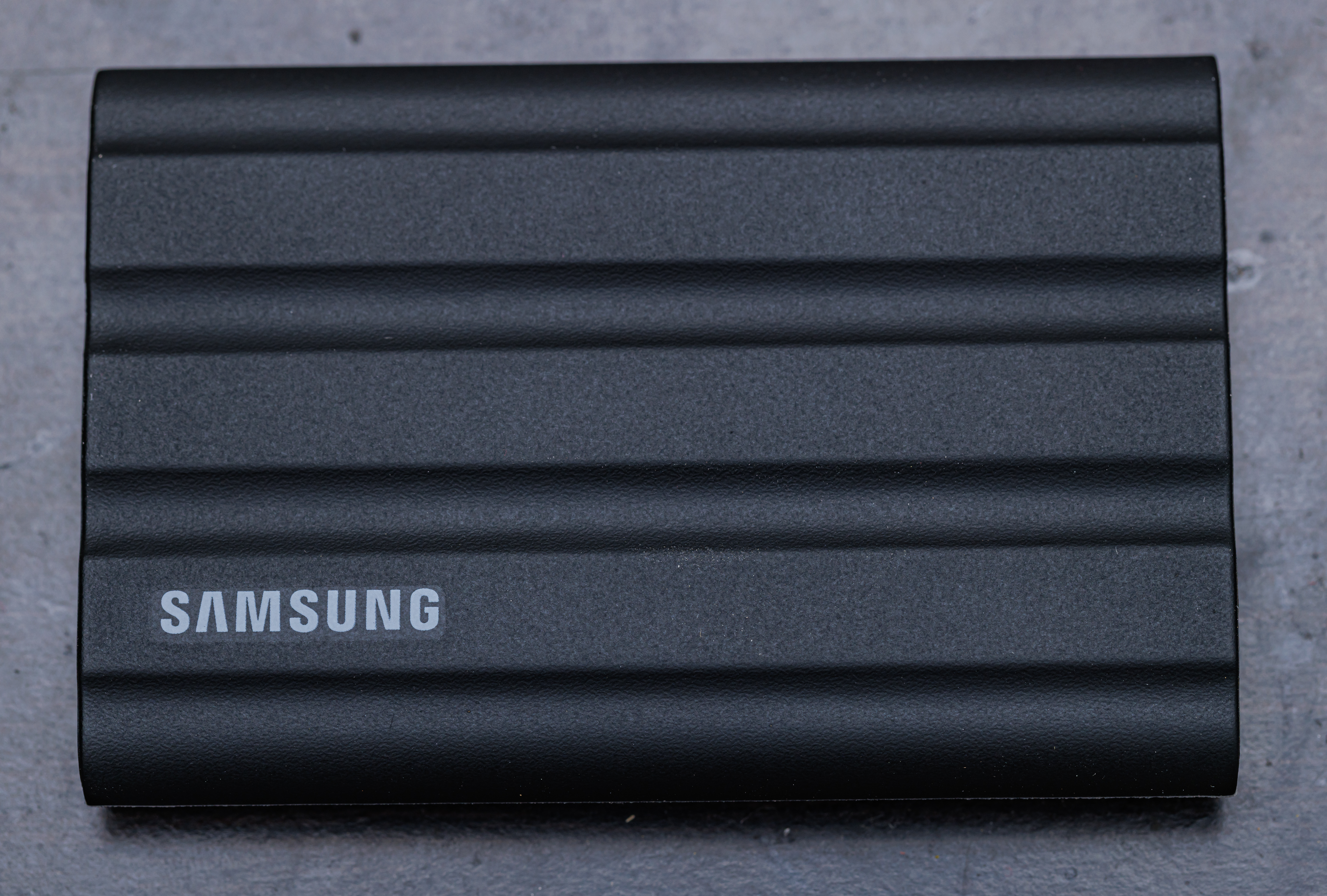
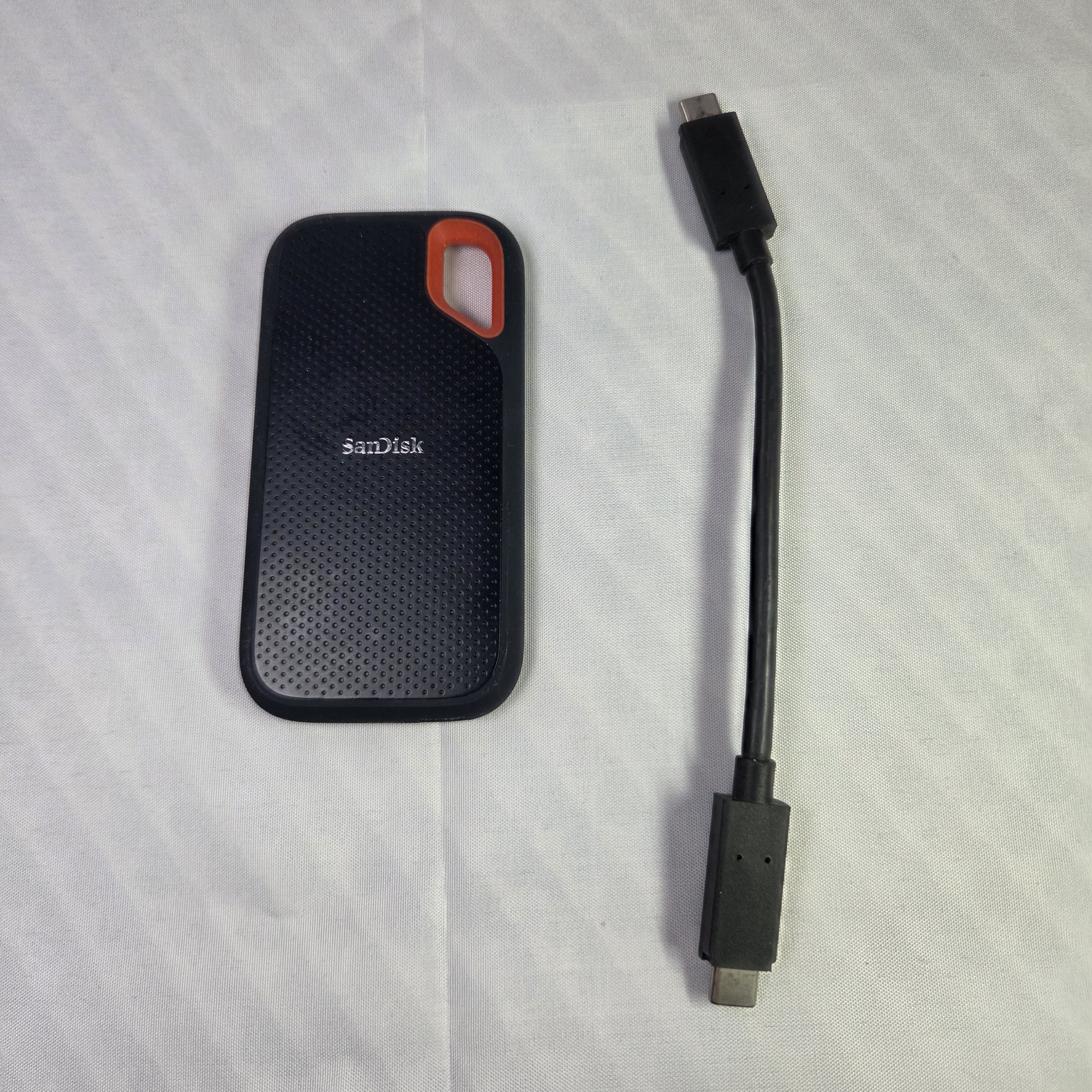
The accessories category includes exact-capacity external SSD options with evidence-backed identity and photography. Compare capacity, connection and package contents against the worksheet, then recheck current retailer conditions. Decide where the drive will be kept and how often it will be connected. This guide organizes a local backup purchase and recovery check; it does not certify a business disaster-recovery system or guarantee that every file is protected.
Sources & further reading
Original planning analysis based on the cited specifications. We do not claim hands-on testing. Confirm manufacturer compatibility and follow the supplied instructions.