The home office journal / Practical decisions
Choose an internal SSD connector before comparing capacity
Record the computer slot or bay first, distinguish SATA from NVMe requirements, and keep portable drives in a separate comparison.
By Office Home Supply editorial · Updated 2026-10-11 · 3 minute read
Write down the installation destination
Begin with the computer's exact model and its documented storage expansion options. Record the intended bay or slot, supported interface and physical dimensions. Capacity and advertised speed become useful comparisons only after compatibility is resolved. The Samsung installation FAQ distinguishes SATA and NVMe-related connections; an SSD label alone cannot establish which installation your computer accepts.
Keep form factor and interface separate
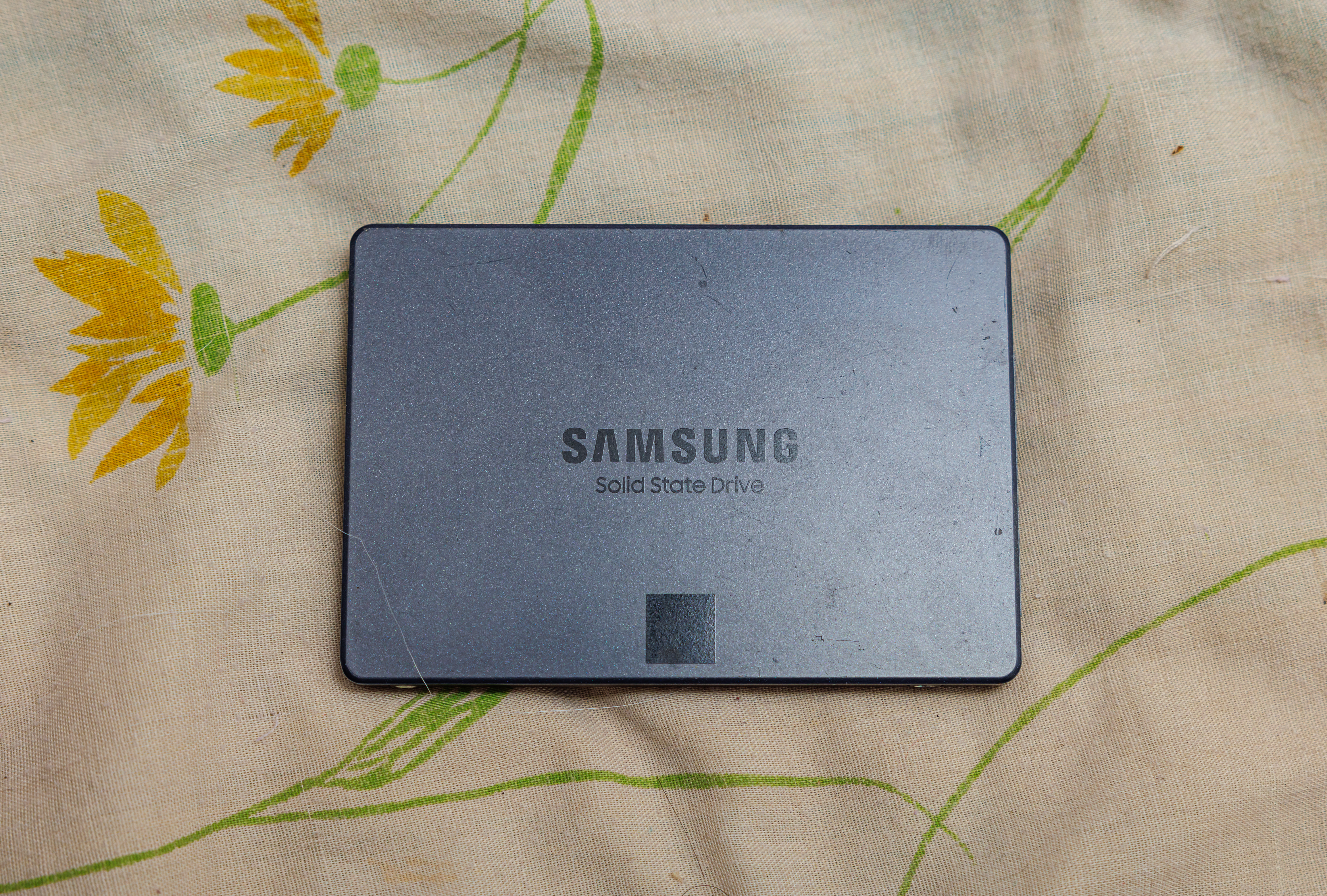
Form factor describes the physical arrangement, while the interface describes the connection requirements. Write both in your shortlist. Samsung identifies the 870 QVO as a standard 2.5-inch SATA drive. Compare it with a documented compatible bay, SATA data connection and appropriate power connection. Do not place it in the same direct installation comparison as an M.2 NVMe drive merely because both are internal SSDs.
Read the computer documentation
Look for the manufacturer's service or installation instructions for the exact computer. Record whether the chosen location is available, whether an adapter or bracket is required and what supported drive dimensions apply. For an M.2 option, verify the supported interface as well as the physical key and length. A connector that looks similar in a photograph is not enough. Leave an unclear compatibility item unresolved rather than assuming an adapter will repair it.
Plan the data job separately
Decide whether you are adding storage, replacing the operating-system drive or keeping a separate backup. Record the source drive, destination drive and method you intend to use. Back up needed data and verify that it can be restored before beginning an upgrade. A migration tool's availability does not prove that your computer configuration or chosen workflow is supported; read its applicable instructions and requirements independently.
Compare complete installations
Create columns for drive model and capacity, interface, dimensions, computer support, required mounting parts and data workflow. Mark unknown items clearly. Use capacity to compare compatible choices after those columns are resolved. Keep a portable USB drive in a separate equipment group because its external connection and use case differ from an internal SATA upgrade. Neither a portable-drive photograph nor a quoted transfer speed answers an internal installation question.
Retain the evidence for the upgrade
Save the computer instructions and selected drive documentation with the shortlist. Follow the appropriate shutdown and installation procedure, using the manufacturer or a qualified technician when the service instructions require it. This guide helps organize a compatibility decision; Office Home Supply has not tested your computer or performed the migration. Confirm current package contents and retailer conditions before buying any drive or required installation accessory.
Sources & further reading
Original planning analysis based on the cited specifications. We do not claim hands-on testing. Confirm manufacturer compatibility and follow the supplied instructions.